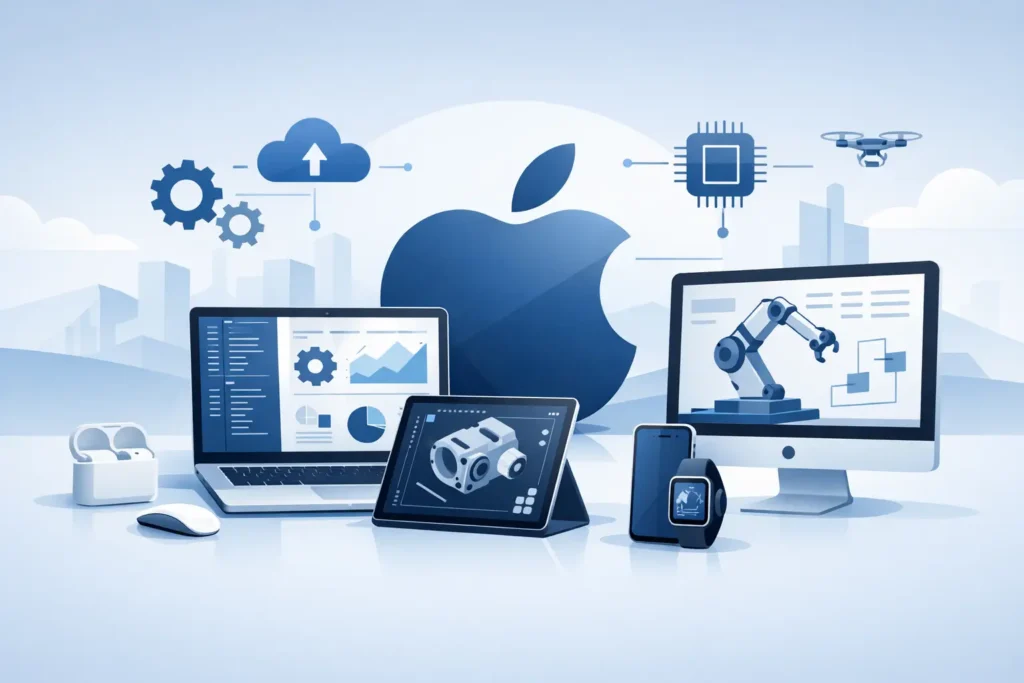
A tunnel face observation is rarely made at a convenient desk. Neither is a question about grout take, a change in rock mass conditions, or a request to review a preliminary slope calculation before a site meeting. The Apple-based engineering workflow future is therefore less about choosing a preferred device and more about retaining technical continuity when the work moves between the office, the site and the project meeting.
For geotechnical and tunnelling engineers, this continuity has been difficult to achieve. Serious calculation software has traditionally been tied to Windows workstations, while mobile devices have served mainly as cameras, document viewers and communication tools. That division is beginning to change. A Mac can provide the calculation environment, while an iPad or iPhone can support input review, result checking and technical discussion where the engineering decisions are being made.
Why Apple-based engineering workflows are becoming practical
Apple hardware is already established in many consulting and infrastructure organisations, particularly among engineers who value reliable portable equipment and a consistent working environment. The limiting factor has not been the devices. It has been the shortage of specialised engineering applications designed for macOS and iOS rather than adapted as an afterthought.
A credible workflow needs more than a spreadsheet displayed on a tablet. It needs clear handling of engineering parameters, understandable calculation models, graphical outputs that can be inspected on a smaller screen, and text results that retain their meaning when shared with colleagues. In ground engineering, the software must also support professional judgement. A calculated factor of safety, grouting pressure estimate or rock-mechanics input set is useful only when the user can follow the assumptions behind it.
The strongest argument for Apple devices is the shared operating environment. A calculation started on a Mac should not become a separate, unreadable artefact once it is opened on an iPad. The project data, input logic and presentation of results should remain recognisable across devices. This reduces repeated transcription, which is a common source of avoidable errors in technical work.
The Apple-based engineering workflow future depends on traceability
Portability alone does not make an engineering workflow better. It can make a poor workflow faster. If site observations are entered quickly but cannot be traced to a location, revision, design basis or responsible engineer, the benefit is limited.
The future value of an Apple-based workflow lies in disciplined traceability. An engineer may review a calculation on a Mac, discuss a parameter change on an iPad in a coordination meeting, and use an iPhone to capture supporting site information. Each activity must feed a controlled technical record. That record should make it easy to distinguish preliminary checks from issued design material and to identify which inputs were used for each result.
This is particularly relevant in tunnelling and grouting, where ground conditions and construction response can change the practical problem rapidly. A grout curtain design may require adjustment after observed water inflow, changing takes or revised geological interpretation. The engineer needs a straightforward way to test a revised input set without losing the earlier basis for comparison.
Good software design helps by keeping input handling explicit. Material parameters, geometry, boundary conditions and calculation choices should be visible rather than buried behind excessive menus. Results should be easy to follow in detail, including units, intermediate values where relevant, and graphical representations that support checking. Simplicity in this context is not a reduction in technical capability. It is a reduction in unnecessary friction.
Mac for analysis, iPad for review, iPhone for context
Different Apple devices have different roles in a professional engineering workflow. Treating them as interchangeable can be unhelpful. The Mac remains the natural place for setting up more involved analyses, comparing alternatives, preparing calculation documentation and working with several drawings or data sources at once.
The iPad is well suited to structured review. On site or in a project room, it can display a calculation result, a cross-section and the associated notes without the formality of opening a laptop. This can be valuable when discussing support classes, a proposed excavation sequence or the consequences of altering a grouting stage. The screen is large enough for technical review, but portable enough to remain part of the conversation.
The iPhone has a narrower but still useful role. It is not the preferred device for building a complex numerical model. It is, however, immediately available for checking key values, reviewing an earlier result, recording observations and maintaining awareness of the current technical position. Used carefully, it helps connect field context with the calculation process rather than replacing that process.
The trade-off is clear. Smaller screens demand concise presentation and careful interface design. Dense tables, unexplained abbreviations and controls designed only for a mouse are poor fits for mobile use. Engineering software intended for Apple devices must be designed around the actual task on each device, not merely compressed to fit a screen.
What specialist geotechnical software must do well
General-purpose productivity applications can organise notes and documents, but they do not replace dedicated calculation tools. Ground engineering problems involve assumptions that are specific to soil mechanics, rock mechanics, underground construction and grouting. The software needs to reflect the language and working methods of the profession.
For example, a slope stability check should make it practical to define geometry, soil layers, pore-water conditions and strength parameters, then present results in a form that supports engineering review. A grouting tool should allow the user to work with the relevant relationships and parameters without forcing a specialist problem into a generic template. A tunnelling application should respect the fact that excavation sequence, rock quality, support and water conditions can be interdependent.
This is where focused applications have an advantage over broad design platforms. They can be simple to use while remaining technically serious because the available functions are selected for a particular engineering task. Psicons AB follows this approach by developing tools for geotechnical and tunnelling professionals working across macOS and iOS, with emphasis on direct input, calculations and clear graphical and text-based outputs.
Specialisation does not remove the need for checking. No application can decide whether a parameter is representative, whether a geological model is sufficiently conservative, or whether a result is appropriate for construction use. The engineer remains responsible for model selection, verification and interpretation. Software should make that responsibility easier to exercise, not obscure it.
Adoption should be governed by engineering practice
Organisations considering an Apple-centred workflow should start with real tasks rather than a device policy. Identify where engineers currently re-enter data, wait to access a workstation, lose calculation context during site visits, or circulate screenshots without sufficient technical detail. These are the points where a connected workflow can produce measurable improvement.
A sensible implementation usually begins with bounded applications: preliminary assessments, parameter studies, field review or internal calculation checks. Teams can then establish conventions for file naming, revision status, review responsibility and the treatment of site-recorded information. Where calculations support formal design or contractual decisions, quality procedures must be as rigorous as they are for any other platform.
Compatibility also deserves practical attention. Most projects involve clients, contractors and advisers using different systems. The aim should not be to force every participant onto Apple hardware. It should be to ensure that calculation outputs, reports and supporting data can be communicated clearly, retained properly and reviewed without ambiguity.
The most useful future is not one in which every engineering task is performed on a phone. It is one in which the engineer can move from desk to site and back again without breaking the chain of reasoning behind a technical decision.