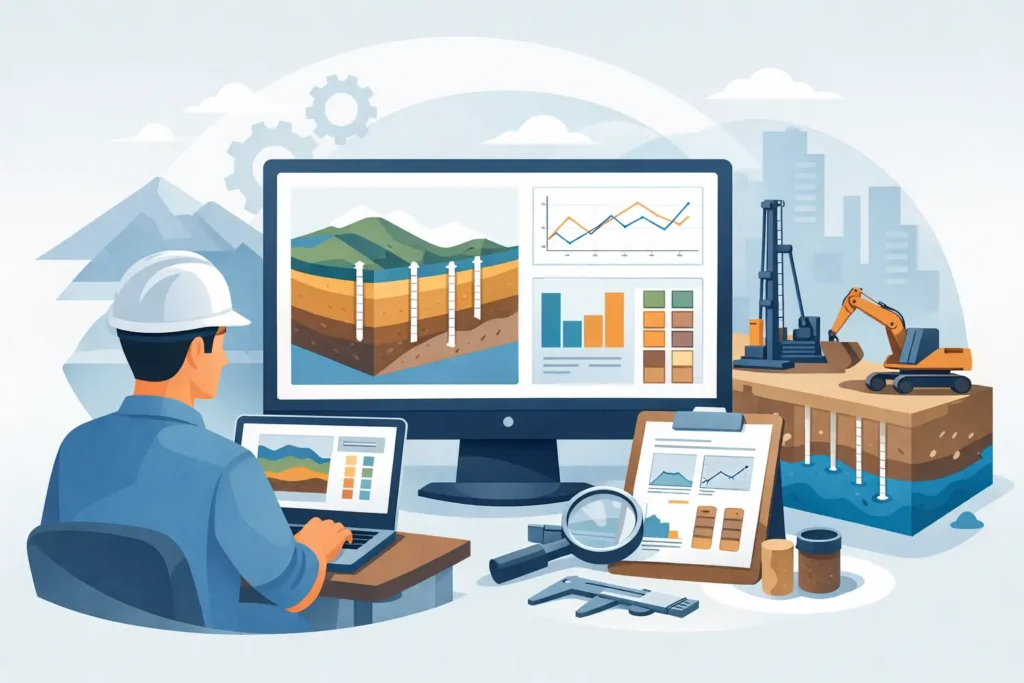
A calculation is only useful when another engineer can follow it. Geotechnical report output software should therefore do more than place numbers in a document. It should connect the model, assumptions, calculation method, graphics and conclusions in a form that can be checked without reconstructing the work from spreadsheets, screenshots and handwritten notes.
For geotechnical and tunnelling engineers, report production is part of technical control. A slope stability assessment, grouting design, excavation review or rock support calculation may be revisited months later by a client, checker, contractor or claims team. The output must show not only the reported factor of safety or grout take estimate, but also the engineering basis behind it.
What geotechnical report output software needs to do
The purpose of report output is not to make a complex analysis look polished. Its purpose is to make the analysis intelligible, traceable and fit for a decision. That distinction matters when ground conditions are variable and design assumptions carry real construction consequences.
A useful system takes calculation inputs directly from the technical model and presents them in a logical order. Soil layers, groundwater conditions, material parameters, geometry, load cases and boundary conditions should be identifiable. Where a method has limits or requires judgement, the report should provide space for the engineer to state those limits clearly.
The strongest outputs combine concise text with the right technical graphics. A section drawing may explain an excavation problem more effectively than a page of coordinates. A table of material parameters can make checking far quicker than values dispersed through narrative text. Conversely, an overloaded report full of default tables can obscure the few inputs that actually control the result.
Good output software supports engineering judgement rather than replacing it. It can standardise calculation presentation, reduce transcription errors and make revisions easier to manage. It cannot determine whether the selected characteristic values are defensible, whether a groundwater scenario is realistic, or whether the adopted model represents the construction sequence.
Geotechnical report output software and traceability
Traceability is often the deciding requirement. During design review, the question is rarely just “what is the result?” It is “which assumptions produced this result, and have they changed since the last issue?”
A report should make it possible to trace a conclusion back to its source inputs. This is particularly relevant where several alternatives have been assessed: different slip surface searches, support classes, grouting stages, rock mass assumptions or water pressures. If the report contains only selected final figures, the review becomes dependent on the author’s memory and informal project records.
Version control is equally significant. Geotechnical design develops as investigation data improves and construction observations become available. A revised borehole interpretation, changed surcharge or new monitoring result can affect a calculation that seemed settled. Software should help the author identify the calculation version, report date, input set and relevant design case. The report then becomes a controlled technical record rather than a static export.
This does not mean every intermediate iteration belongs in a client report. It depends on the project stage and contractual purpose. A design note may need one governing case and a clear rationale, while an internal verification package may need fuller parameter tables and sensitivity checks. The software should let the engineer select the appropriate level of detail without copying results into a separate document by hand.
Outputs that support efficient checking
Checking is faster when the report follows the way engineers review a problem. In most cases, that means starting with the purpose and geometry, then moving through ground model and parameters before presenting calculation method, results and interpretation.
Clear headings and consistent units are basic requirements, but they are not trivial. A report containing kPa, MPa and unit weights in mixed conventions can create avoidable review risk. The same applies to decimal precision. Reporting a factor of safety to four decimal places may imply a certainty that does not exist in the ground model. Sensible formatting is part of honest technical communication.
For many geotechnical calculations, the most useful report elements are:
- a project and calculation identification block;
- a transparent record of geometry, stratigraphy and water conditions;
- parameter tables showing units and design values;
- method-specific graphics, such as sections, slip surfaces or grout pressure relationships; and
- result tables with concise engineering comments.
These elements work best when they are generated from the same data used by the calculation engine. Manual re-entry is a common source of error, especially when an analysis is revised late in the design process. The risk is not only typing the wrong value. A figure may be correct while its caption, table or accompanying conclusion refers to an earlier model.
Graphics should explain, not decorate
Ground engineering depends heavily on spatial interpretation. The report output should show enough geometry for a competent reviewer to understand the model at a glance. For a slope calculation, that may mean the terrain profile, soil zones, pore pressures, loads, reinforcement and critical mechanism. For a tunnelling or grouting assessment, it may mean the tunnel alignment, cover, geological domains, treatment extent and pressure or flow relationships.
Graphics need readable scales, labels and legends. Colour can help distinguish strata or support zones, but reports should remain understandable when printed in greyscale or viewed on a small screen. Line weights and annotation placement matter more than decorative effects.
There is also a trade-off between automatic output and editorial control. Automatically generated plots improve consistency and reduce effort, yet a standard plot may not answer the specific question raised by a reviewer. The practical approach is software that produces technically sound default figures while allowing the engineer to choose views, labels and result cases appropriate to the report.
Apple-device workflows in practice
For engineers using macOS, iPad and iPhone, output software should fit the actual movement of work between office, meeting room and site. A desktop Mac remains well suited to detailed model building and report preparation. An iPad can be valuable for reviewing drawings, checking input data with colleagues or presenting calculation results at a design meeting. An iPhone is useful for quick reference, not for replacing considered technical review.
The value of an Apple-focused workflow is not portability alone. It is continuity. A calculation reviewed on site should be recognisably the same calculation later documented in the office, with synchronised project data and clear report status. This is particularly useful during excavation, tunnel support decisions and grouting operations, where observations may prompt rapid reassessment.
Portability does require discipline. Field observations should be recorded with sufficient context, including location, time, chainage where relevant and the person making the observation. A photograph or note can inform an updated model, but it should not silently become a design parameter without review. Good software supports this process by keeping data handling straightforward and outputs easy to follow in detail.
Selecting software for the type of work you do
The right choice depends on the calculation scope. A broad civil design platform may be appropriate for organisations that need many disciplines in one environment. A specialist tool can be more effective where a team repeatedly performs defined geotechnical, rock mechanics, tunnelling or grouting assessments and needs direct, understandable output.
Before choosing a tool, test a representative project rather than a generic demonstration model. Use a real section with irregular stratigraphy, staged loads, a plausible groundwater condition and the report format expected by a client or checking engineer. Then ask whether the output answers practical questions: Can a colleague identify the governing inputs? Can a revised case be issued without reformatting a document? Are graphics clear enough to discuss in a meeting? Can assumptions and limitations be stated alongside the result?
It is also worth distinguishing between a report generator and an engineering application. A document tool can help assemble a report, but it does not necessarily preserve the connection between calculation and output. For recurring technical work, an integrated calculation-and-report approach usually offers stronger control, provided the underlying method is suitable for the problem.
Psicons AB develops specialised engineering applications for this kind of focused work on macOS and iOS, with straightforward input handling and graphical as well as text-based results. The aim is not to add process for its own sake, but to keep the calculation record usable from setup through interpretation.
A well-prepared report should allow the next engineer to understand the technical decision without guessing what happened between the model and the final page. That is the practical standard worth setting for every output.