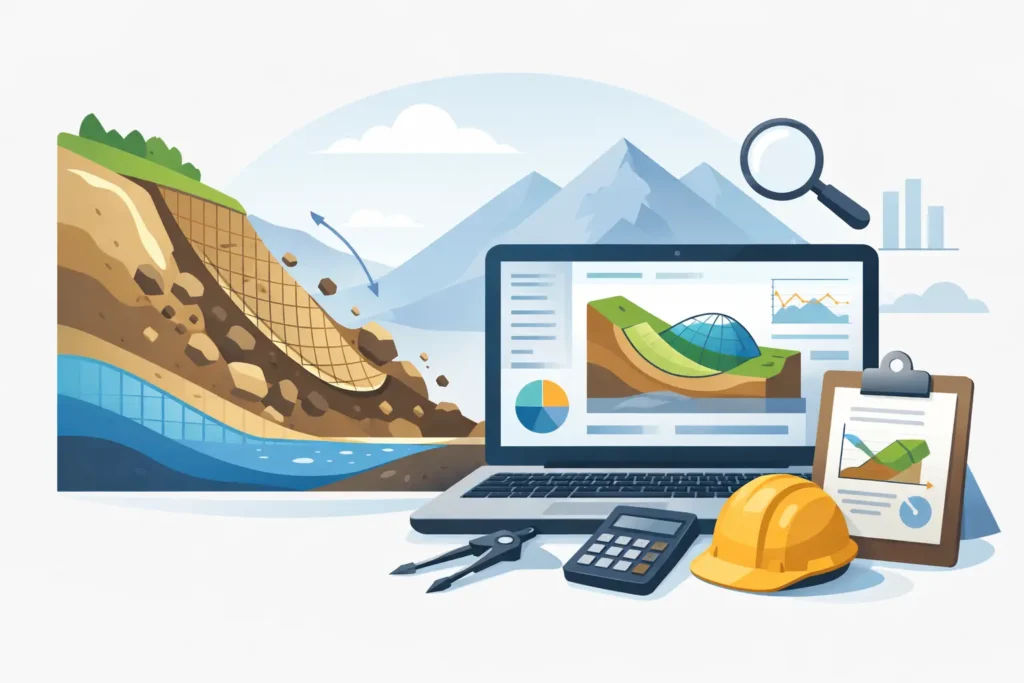
A slope assessment rarely fails because an engineer forgot the theory. More often, it goes wrong because the model setup was awkward, assumptions were hidden, or the software made it harder than necessary to check what had actually been calculated. That is why slope stability software deserves more scrutiny than a simple feature comparison.
For geotechnical engineers, the software is not just a calculator. It is part of the engineering judgement chain. It affects how quickly a section can be built, how transparently loads and pore pressures can be reviewed, and how confidently results can be explained to a client, reviewer, or contractor. In practice, the best tool is not the one with the longest specification sheet. It is the one that supports sound engineering work without getting in the way.
What slope stability software needs to do well
At a minimum, slope stability software should allow the engineer to define geometry clearly, assign soil parameters in a straightforward way, include groundwater and external loading, and inspect calculated failure mechanisms without ambiguity. That sounds obvious, but there is a large difference between software that merely contains these functions and software that presents them in a way that is easy to follow in detail.
For routine design work, clarity often matters more than visual polish. If a section includes fill over soft clay, staged loading, a high groundwater level and a nearby surcharge, the engineer needs to see exactly how each part of the model has been interpreted. Small input errors can lead to misleading factors of safety, and these errors are not always dramatic enough to be caught by instinct alone.
The software should therefore make it easy to review the model before calculation and equally easy to inspect the result afterwards. A critical slip surface is useful, but it is only part of the picture. Engineers also need text-based outputs, parameter listings, and graphical presentation that support checking rather than decoration.
The method matters, but not in isolation
When evaluating slope stability software, method support is usually the first question. That is reasonable. The chosen method needs to suit the project, the available ground model, and the level of conservatism required by the design context.
In many cases, limit equilibrium methods remain the practical backbone of slope stability work. Their strengths are well known. They are efficient, familiar to reviewers, and suitable for many embankments, excavations and natural slopes. But method choice is rarely just a technical tick-box. The more relevant question is whether the software helps the engineer apply the method correctly.
A theoretically capable program can still be awkward in everyday use if pore pressure assumptions are difficult to define, if load cases are tedious to duplicate, or if sensitivity checks take too long to set up. This is where engineering productivity and technical quality start to overlap. If a software tool makes comparison between design cases cumbersome, fewer cases may be checked. That is not a software problem alone. It becomes a project risk.
It also depends on the type of work. For early-stage feasibility studies, rapid setup and transparent assumptions may be more valuable than a very broad analysis environment. For detailed design or expert review, the priority may shift towards finer control and more extensive verification options. There is no universal best package in the abstract. There is only a tool that is well suited, or poorly suited, to the decisions being made.
Usability is a technical issue
Among experienced engineers, usability is sometimes treated as secondary, as though ease of use belongs to marketing rather than engineering. In practice, poor usability can directly affect technical quality.
A straightforward input structure helps the user focus on soil mechanics rather than software mechanics. Geometry should be simple to define and modify. Material parameters should be visible and easy to audit. Water conditions should be explicit. The sequence from setup to calculation to review should feel logical.
This matters even more when work is done under time pressure, as it often is. Design changes arrive late. Construction conditions shift. Additional information from site may require a rapid recalculation. In those moments, the engineer benefits from software that can be opened, understood, and used without friction.
That is one reason specialised tools often outperform broader platforms for focused geotechnical tasks. A software environment designed specifically for slope calculations can remove unnecessary steps and present exactly the information needed for geotechnical judgement. For many professionals, that is more valuable than having a large collection of peripheral functions they rarely use.
Why platform choice is no longer a side issue
For engineers who work across macOS, iPad and iPhone, platform support has practical consequences. It affects whether work can continue during travel, whether a section can be reviewed at a meeting, and whether calculations remain accessible without returning to a Windows-only workstation.
This has long been a neglected part of engineering software procurement. Many geotechnical tools still assume a fixed desktop environment, even though modern technical work often moves between office, site, train, and conference room. If the software exists only in one place, the workflow becomes fragmented.
Good slope stability software on Apple devices is not simply a convenience for those who prefer that ecosystem. It can support a more continuous engineering process. A section prepared on a Mac should be available for review on an iPad. A result discussed on site should be easy to inspect on an iPhone. That continuity reduces delays and lowers the chance that decisions are made from screenshots, memory, or out-of-date exports.
For a niche but serious group of geotechnical professionals, this is exactly where specialised development matters. Psicons AB has taken that need seriously by building engineering tools specifically for macOS and iOS, rather than treating Apple compatibility as an afterthought.
What to look for before you commit
A sensible evaluation starts with everyday tasks, not edge cases. Ask how long it takes to build a typical section. Check whether soil layers, pore pressures and surcharges can be reviewed without opening multiple hidden dialogues. Look at the calculation output and ask whether another engineer could understand the model assumptions from the result material alone.
It is also worth checking how the software supports iteration. Most slope stability work involves comparison between alternatives: adjusted geometry, changed loading, revised drainage assumptions, or updated shear strength parameters. If each variant requires excessive rework, efficiency drops and so does the likelihood of carrying out broad enough sensitivity checks.
Another useful test is communication. Can the output be presented clearly to someone who did not build the model? Design often involves discussion with colleagues from structural, civil or construction teams who are technically competent but not immersed in every geotechnical detail. Clear figures and readable text outputs help bridge that gap.
Finally, consider whether the software reflects real engineering practice. Some tools appear powerful but feel detached from how geotechnical work is actually carried out. Others are simpler on paper yet better suited to the sequence engineers follow every day: define section, assign parameters, review assumptions, calculate, compare cases, and explain the result.
The trade-off between breadth and focus
There is always a trade-off between broad capability and focused efficiency. Large multipurpose analysis environments can be attractive, especially for organisations seeking standardisation across disciplines. But that breadth can come with a cost in complexity, training time and cumbersome interfaces.
Focused slope stability software may not attempt to do everything. That is often a strength rather than a weakness. If the core task is slope analysis, then a tool optimised for that purpose can support faster setup, clearer review and more reliable everyday use.
The right choice depends on who will use the software and how often. A specialist geotechnical team usually benefits from tools that respect domain-specific workflow. A broader consultancy may accept more general software if internal processes are built around it. Even then, the engineering question remains the same: does the tool help users arrive at a traceable, defensible analysis with reasonable effort?
That is the standard worth keeping. Software should support careful judgement, not obscure it. When a tool is simple to use, technically sound, and available where engineers actually work, it becomes easier to concentrate on the ground model, the uncertainties, and the design decision that matters. That is the real value of well-designed slope stability software – not more features, but fewer obstacles between engineering thought and engineering action.