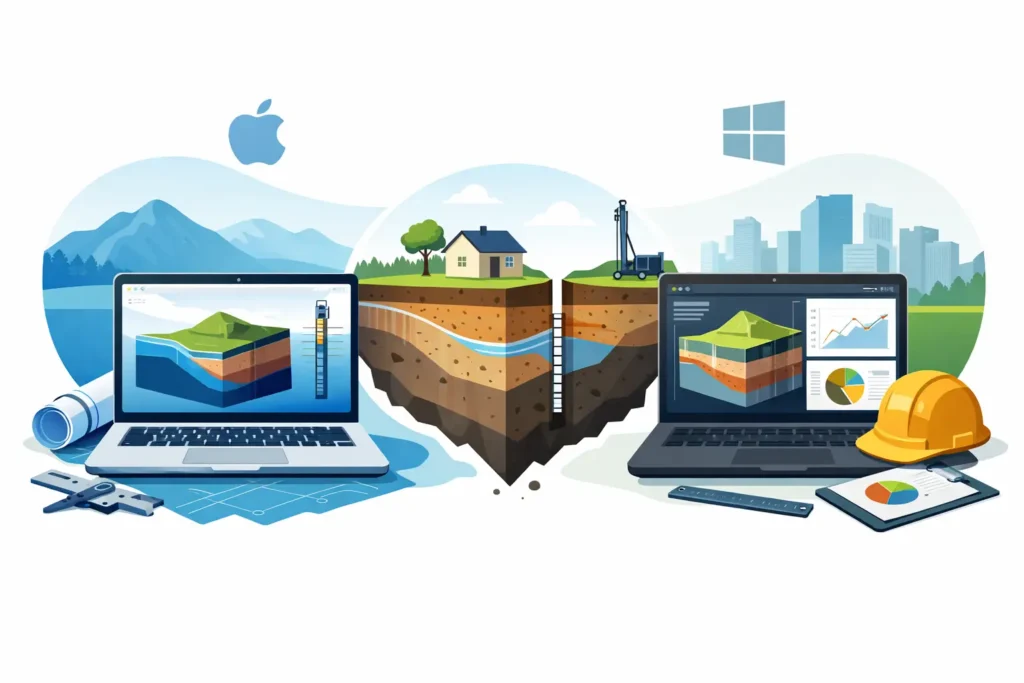
A geotechnical engineer on a Mac usually reaches the same point sooner or later: the calculation method is clear, the ground model is clear, but the software choice is not. That is why Mac vs Windows geotechnical software is not really a consumer-style platform debate. It is a workflow question, and for many practices it directly affects how efficiently technical work moves from problem definition to checked results.
The usual assumption is that Windows is the default because most legacy engineering software was built for it. In a narrow sense, that is true. Many established geotechnical packages, particularly older desktop applications for finite element analysis, pile design, settlement assessment or slope stability, were developed first and sometimes only for Windows. If your office depends on one of those packages, the operating system decision may already be made for you.
That said, the practical picture is more nuanced than it was a decade ago. Many engineers now work across desktop, tablet and phone. They review calculations on site, annotate during meetings, and need access to technical tools outside a fixed office machine. In that context, the value of software is not only in the depth of analysis. It is also in how quickly the engineer can set up a problem, check assumptions, and follow the calculation in detail.
Mac vs Windows geotechnical software in practice
If the comparison is reduced to software availability alone, Windows still has the larger catalogue. There are more long-established geotechnical and structural analysis programs, more specialist vendor ecosystems, and more firms with internal standards built around Windows-based tools. For large consultancies or contractor organisations with fixed IT environments, that matters.
But availability is not the same as suitability. A long menu of software options can still leave a Mac-based engineer with poor choices if those programs require remote desktops, virtual machines or awkward file handling. In practice, these workarounds create friction. They may be tolerable for occasional use, but they are not ideal for repeated technical work where speed and clarity matter.
On macOS, the main challenge has historically been the lack of purpose-built geotechnical applications. Engineers could use spreadsheets, general mathematics tools, or browser-based platforms, but often not dedicated software made specifically for their discipline. That gap has real consequences. It can force experienced users into fragmented workflows where one device is used for communication, another for field notes, and a separate Windows machine for the actual calculations.
This is where the comparison becomes more interesting. The best question is not which operating system is universally better. The better question is which platform supports the engineering task with the least unnecessary complication.
Where Windows still has the advantage
Windows remains strong when a project demands a specific industry-standard package that a client, partner or internal quality system already requires. On major infrastructure jobs, especially where several parties exchange native files from established commercial software, compatibility can outweigh every other consideration.
There is also a practical benefit in the maturity of many Windows engineering applications. Some have broad feature sets, deep verification histories, and long user communities. If you need advanced modelling with highly specialised functions, Windows may still be the safest route.
The trade-off is that many of these systems were designed in a different software era. They can be capable but heavy, feature-rich but slow to navigate. For routine engineering checks, preliminary design work, or rapid site-based assessment, that complexity is not always an advantage. More functions do not automatically produce better engineering judgement.
Why Mac can be the better working environment
For engineers who already use macOS in their daily work, the appeal is rarely aesthetic. It is usually about stability, device integration and a cleaner way to manage documents, notes and communication. The ability to move between a Mac, iPhone and iPad without rebuilding the task each time is useful in real project conditions.
In geotechnical and tunnelling work, many decisions are made away from the desk. A slope observation, a grouting adjustment, a tunnel-related note from site, or a quick review during a design meeting may all need immediate technical follow-up. If the software environment supports that kind of movement between locations and devices, the engineer saves time and reduces the risk of transcription errors.
This does not mean Mac is automatically superior. It means that when software is designed properly for the Apple ecosystem, the platform becomes a practical advantage rather than a constraint. Straightforward input handling, clear graphical output, and calculations that are easy to follow in detail often matter more than an inflated feature list.
Mac vs Windows geotechnical software for field and office workflows
The sharpest distinction often appears in mixed field and office work. Windows software is still commonly tied to a desktop or laptop-centred process. That suits deep office-based modelling, but it can be less efficient when engineers need continuity across environments.
A Mac-centred workflow can be especially effective when the task involves repeated technical checks rather than a single large model. Consider an engineer working with grouting assessments, tunnel-related calculations, rock or soil parameter reviews, or structured geotechnical problem setup that must be revisited over several days. In these cases, being able to start on one device, review on another and present results clearly without changing platform has genuine value.
This is one reason specialised Apple-based engineering tools deserve more attention than they usually receive. A focused application built for geotechnical practice can often support day-to-day engineering better than a broader package designed to cover every possible discipline. Psicons AB has taken that approach by developing software for geotechnical and tunnelling professionals who work on macOS and iOS and need practical continuity across devices.
What engineers should actually compare
When assessing Mac vs Windows geotechnical software, start with the engineering method rather than the operating system. Ask whether the software reflects the calculations and interpretations you actually perform. If it does not, the platform discussion is secondary.
Then look at transparency. Can you follow the calculation path clearly? Can you review inputs without hunting through multiple menus? Are the outputs suitable for technical checking, not just presentation? In serious engineering work, software should support judgement rather than obscure it.
After that, consider device dependency. If a Windows-only package forces you into a virtual machine on a Mac, you need to decide whether that added layer is acceptable. For occasional use, perhaps it is. For everyday work, it often becomes inefficient. Equally, if a Mac-based tool is elegant but too narrow for the project demands, it is not the right answer either.
Finally, think about the life of the work beyond the calculation itself. Will the software help during meetings, site visits, internal reviews and client discussions? Engineering software should not only solve equations. It should fit how engineers actually work.
The sensible choice depends on the task
If your work depends on a legacy enterprise package with no serious Mac equivalent, Windows is the practical answer. There is no value in pretending otherwise. Established compatibility, file exchange and organisational standards are valid reasons.
If, however, your work involves specialist geotechnical or tunnelling calculations where usability, portability and platform continuity matter, a Mac-based environment can be the better fit – provided the software is purpose-built and technically credible. That is the key condition. General office convenience is not enough on its own.
For many engineers, the real future is not a winner-takes-all platform decision. It is a more selective software landscape where heavyweight Windows tools remain in place for certain advanced or legacy needs, while focused applications on macOS and iOS handle a growing share of practical engineering work. That shift is already under way in disciplines where field access, mobility and clear calculation workflows matter.
The useful question is not whether Mac can imitate Windows. It is whether the software helps you produce sound engineering work with less friction. If it does, the platform has earned its place.